MoleditPy Windows Installer
Overview
MoleditPy is a cross-platform, simple, and intuitive molecular editor built in Python. This installer provides a package built for the Windows environment.
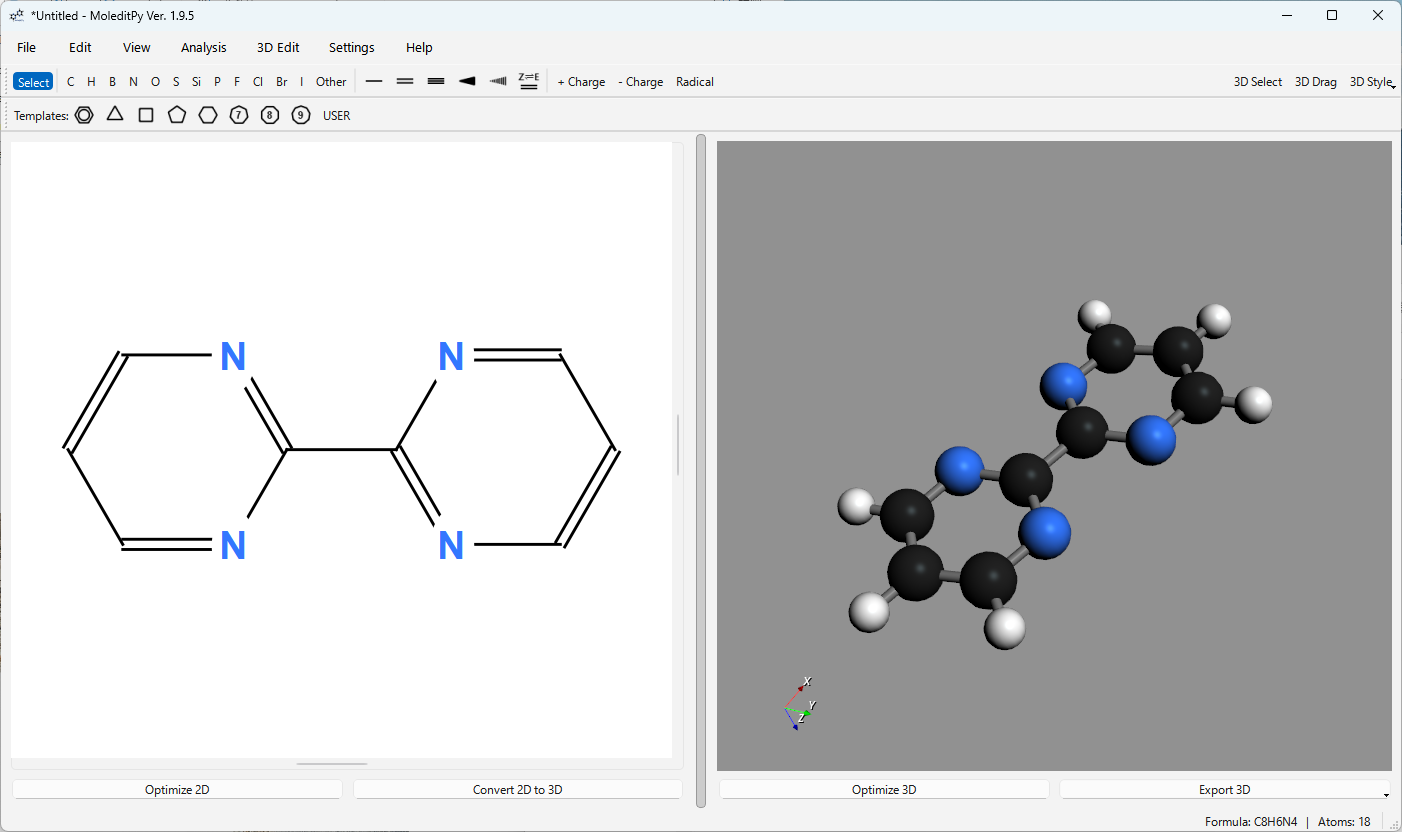
About This Version
This application bundle is built from the unified moleditpy package and uses PySide6-Essentials; Open Babel is not bundled.
Note: As pip is not included in this package, plugins requiring external dependencies cannot be executed.
Download
Open the latest release page and choose the Windows installer or portable ZIP from its assets:
- Installer:
MoleditPy_*_win64_setup.exe - Portable:
MoleditPy_*_win64_portable.zip
Installation Steps
-
Download Download the setup file (.exe) from the link above.
-
Run Installer Double-click the downloaded file to run it.
Note: If Windows SmartScreen displays the “unrecognized app” warning, please click “More info” and select “Run anyway” to proceed.
-
Setup The setup wizard will launch. Follow the on-screen instructions and click “Next” to proceed with the installation. You can specify the installation folder if necessary.
-
Completion Once the installation is complete, a shortcut will be added to the Start menu.
Uninstallation
To remove the software, open Windows “Settings” > “Apps” > “Installed apps,” select “MoleditPy” from the list, and execute “Uninstall.”
System Requirements
- OS: Windows 10 / 11 (64bit)
- Processor: Modern x64 architecture processor
- Memory: 4GB or more recommended
Disclaimer
The developer assumes no responsibility for any damages arising from the use of this software. Please use it at your own risk.