MoleditPy Windows Installer
Overview
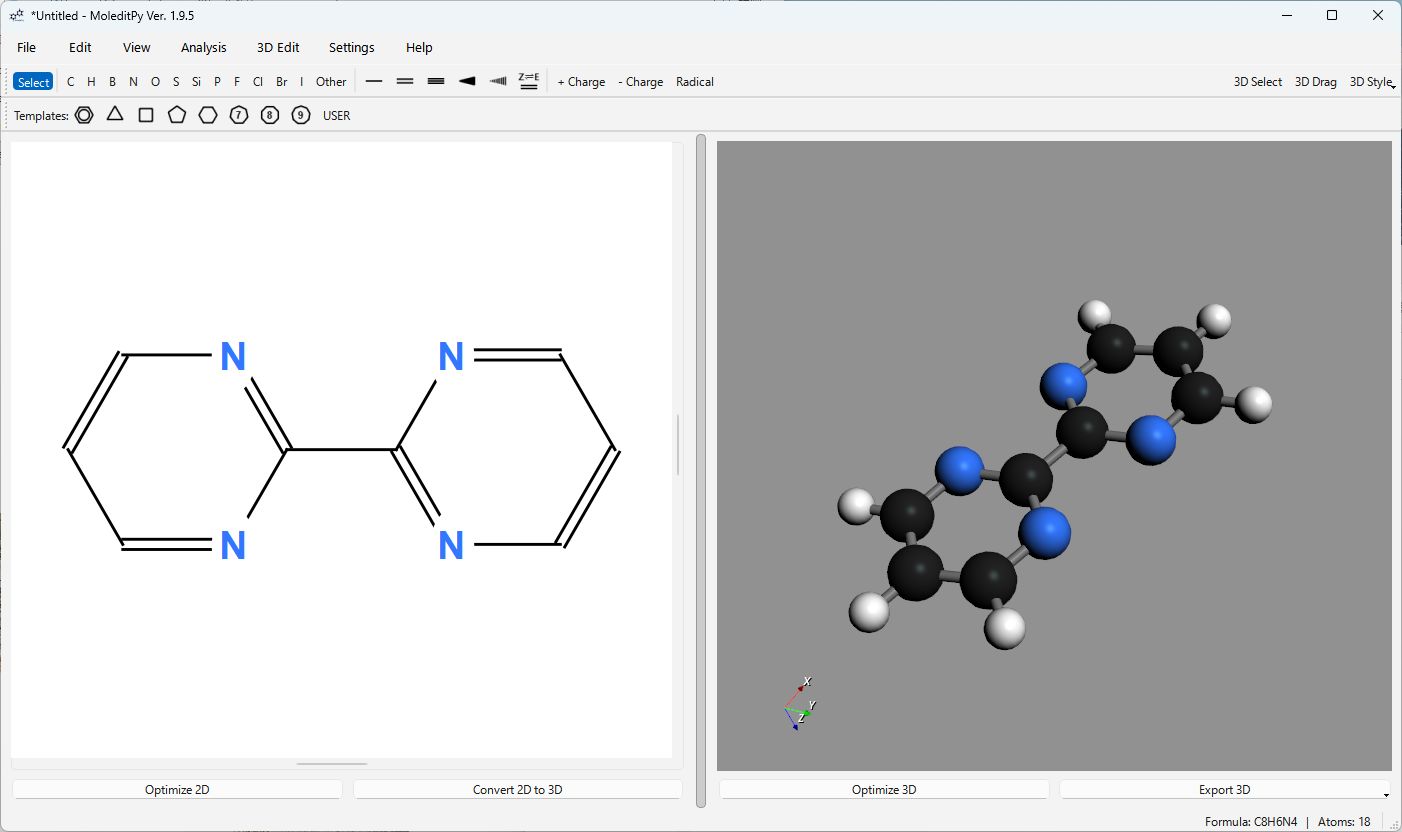
MoleditPy is a cross-platform, simple, and intuitive molecular editor built in Python. This installer provides a package built for the Windows environment.
About This Version
This Windows package uses moleditpy-linux, in which the Open Babel library has been disabled due to compatibility issues.
While features dependent on Open Babel (3D conversion fallback) are unavailable, basic molecular drawing and editing functions operate without issues.
For complex molecules that require Open Babel fallback, 3D conversion may fail. In such cases, please try changing 3D Conversion to Direct in the Settings. You can also temporarily switch to this mode by right-clicking the Convert 2D to 3D button.
Note: As pip is not included in this package, plugins requiring external dependencies cannot be executed.
Download
Please download the installer from the link below. The download will start upon clicking.
Download MoleditPy Windows Installer
A portable version is also available:
Download MoleditPy Windows Portable
Installation Steps
-
Download Download the setup file (.exe) from the link above.
-
Run Installer Double-click the downloaded file to run it.
Note: If Windows SmartScreen displays the “unrecognized app” warning, please click “More info” and select “Run anyway” to proceed.
-
Setup The setup wizard will launch. Follow the on-screen instructions and click “Next” to proceed with the installation. You can specify the installation folder if necessary.
-
Completion Once the installation is complete, a shortcut will be added to the Start menu.
Uninstallation
To remove the software, open Windows “Settings” > “Apps” > “Installed apps,” select “MoleditPy” from the list, and execute “Uninstall.”
System Requirements
- OS: Windows 10 / 11 (64bit)
- Processor: Modern x64 architecture processor
- Memory: 4GB or more recommended
Disclaimer
The developer assumes no responsibility for any damages arising from the use of this software. Please use it at your own risk.