MoleditPy macOS App Bundle
Overview
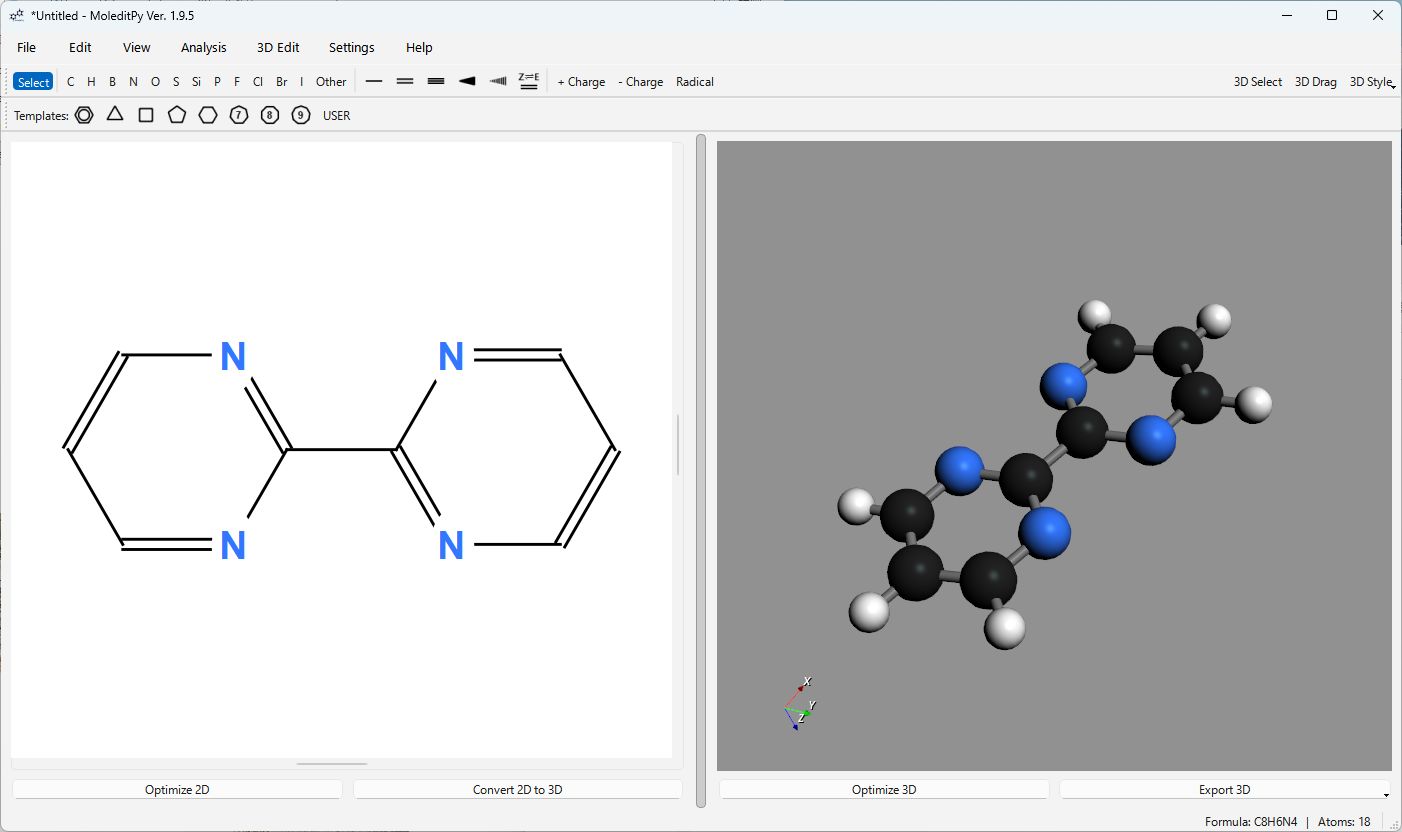
MoleditPy is a cross-platform, simple, and intuitive molecular editor built in Python.
This package provides a self-contained MoleditPy.app bundle built for macOS: it carries its own Python interpreter and every library, so no Python installation and no pip install is required.
About This Version
This macOS package uses moleditpy-linux, in which the Open Babel library has been disabled due to compatibility issues.
While features dependent on Open Babel (3D conversion fallback) are unavailable, basic molecular drawing and editing functions operate without issues.
For complex molecules that require Open Babel fallback, 3D conversion may fail. In such cases, please try changing 3D Conversion to Direct in the Settings. You can also temporarily switch to this mode by right-clicking the Convert 2D to 3D button.
The bundle is built for Apple Silicon (arm64) only, and is ad-hoc signed rather than notarized by Apple. On an Intel Mac, or for the full feature set, install with pip instead — see Installation for macOS.
Note: As pip is not included in this package, plugins requiring external dependencies cannot be executed. In addition, this bundle runs without a terminal window, so console output is only available through the log file. See Limitations below.
Download
Please download the app bundle from the link below. The download will start upon clicking.
Download MoleditPy for macOS (Apple Silicon)
Installation Steps
-
Download Download the archive (.zip) from the link above. Safari unpacks it automatically; in other browsers, double-click the downloaded file.
-
Move to Applications Drag
MoleditPy.appinto yourApplicationsfolder. -
First Launch Right-click (or Control-click)
MoleditPy.appand choose Open, then confirm Open in the dialog.Note: Because the app is not notarized, macOS blocks a plain double-click the first time. macOS remembers the choice, so later launches are a normal double-click.
If macOS reports that the app “is damaged and can’t be opened”, clear the download quarantine flag from Terminal:
xattr -dr com.apple.quarantine /Applications/MoleditPy.app -
Completion MoleditPy starts as a normal macOS application, and can be kept in the Dock.
Limitations
This bundle is a frozen application rather than a Python environment, which has three consequences.
-
Plugins that need external packages cannot run.
pipis not included, so a plugin that imports a library MoleditPy does not already ship (for example one requiringPySCForSciPy) cannot be used. Plugins that rely only on what MoleditPy itself bundles continue to work. -
There is no terminal window. The bundle is a windowed macOS app, so Python’s console output — startup messages, warnings and tracebacks — is not shown anywhere. This differs from the
MoleditPy.appcreated bymoleditpy-installer, which deliberately launches through Terminal to keep that output visible.Use the built-in file logging instead:
- Enable Settings ▸ Other ▸
Save log to file (~/.moleditpy/moleditpy.log), and for full detail alsoEnable DEBUG level logging. - Logging changes take effect after a restart.
- The log is written to
~/.moleditpy/moleditpy.log(rotated, max 1 MB × 3). -
Read it in Console.app, or follow it live in Terminal:
tail -f ~/.moleditpy/moleditpy.log
Once file logging is on, MoleditPy’s error dialogs point at this file, so switching it on before reporting a problem makes the report far more useful.
- Enable Settings ▸ Other ▸
-
No file associations. Double-clicking a
.pmeprjor.molfile does not open it in this bundle. Use File ▸ Open inside the app, or install withpipplusmoleditpy-installer, which registers the.pmeprjassociation.
Uninstallation
To remove the software, drag /Applications/MoleditPy.app to the Trash. Settings, plugins and logs live in ~/.moleditpy; delete that folder as well for a complete removal.
System Requirements
- OS: macOS 11 Big Sur or later (macOS 14 or later recommended)
- Processor: Apple Silicon (M1 or later)
- Memory: 4GB or more recommended
Disclaimer
The developer assumes no responsibility for any damages arising from the use of this software. Please use it at your own risk.